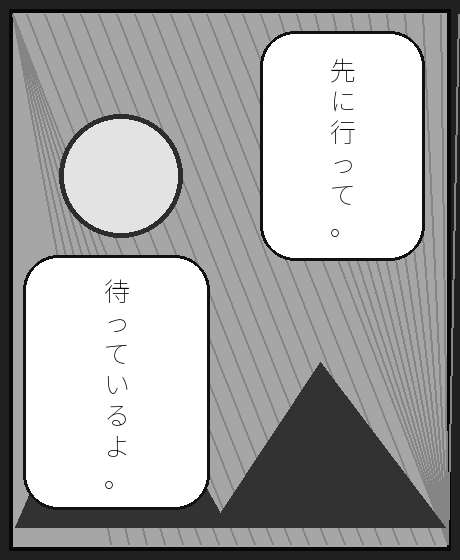
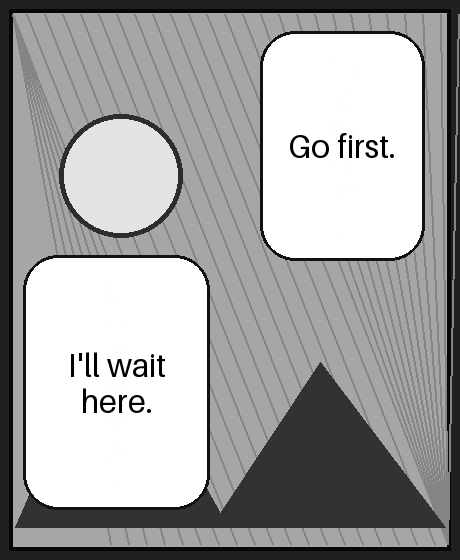
Missed dialogue
Restore a missed speech bubble without changing the rest of the page.
先に行って。Go on ahead.
Upload or paste manga screenshots and image batches to get clean, readable translations in seconds.
Drop images here, browse your files, or paste screenshots.
Up to 1000 images per task · JPEG, PNG, WebP (max 20 MB) · ZIP/CBZ (max 200 MB, 1 task per ZIP)Restore a missed speech bubble without changing the rest of the page.
先に行って。Go on ahead.
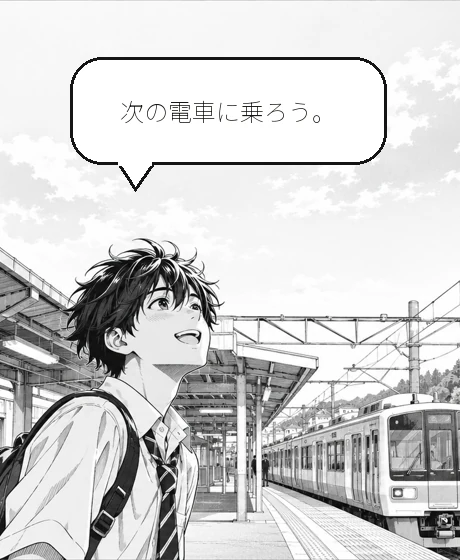
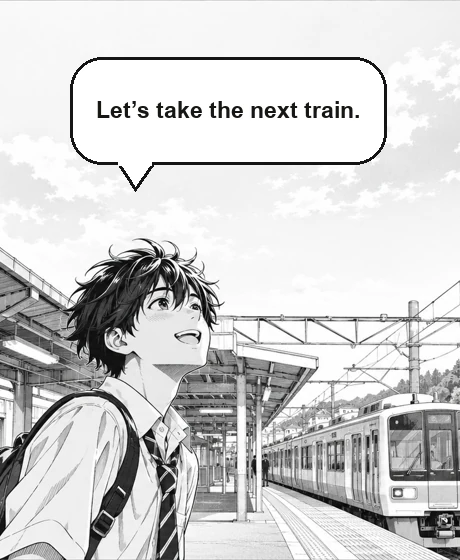
Compare a line of horizontal Japanese dialogue with English or Simplified Chinese lettering in the same wide speech bubble.
次の電車に乗ろう。Let’s take the next train.
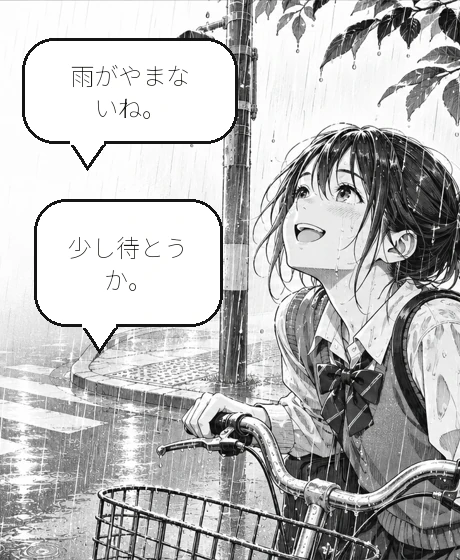
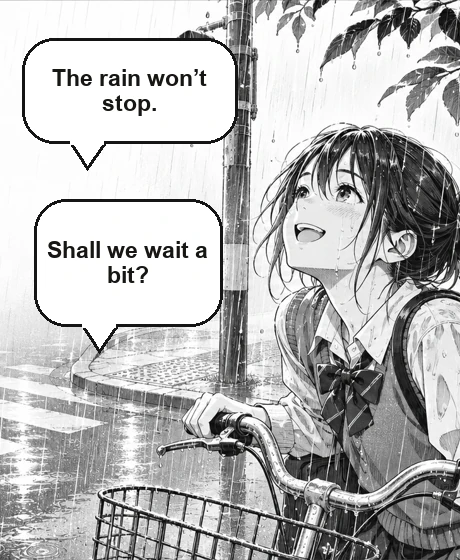
Follow a conversation across two bubbles. Edit just the reply and check the result against the original manga panel.
雨がやまないね。The rain won’t stop.
Upload JPEG, PNG, or WebP manga images (up to 20 MB each), paste screenshots directly from your clipboard, or drop full ZIP/CBZ archives for batch processing—all directly in your browser with no Python, CUDA, or local GPU setup required. Tall webtoon and manhwa strips are automatically sliced so small text stays sharp during OCR.
For best recognition accuracy, keep each speech bubble intact inside the crop and use the highest available resolution. Adjacent panels help the translator keep speaker tone, pronouns, and context consistent across the page.
After processing finishes, open the task studio to compare Original and Translated views side by side, edit any bubble wording for free, or drag a box over missed dialogue with Select Missed Text before downloading PNG or ZIP.
Yes. Copy any manga screenshot to your clipboard and paste it directly onto the page, or drag and drop JPEG, PNG, WebP, and ZIP files into the upload box.
Each image can be up to 20 MB and each ZIP/CBZ archive up to 200 MB. You can queue up to 1,000 images per task and download all finished pages together as a ZIP.
Open the completed task detail page, click Select Missed Text, and drag a box over the missed area. Each completed page includes 2 free area repairs, and manual text edits are always free.
Zoom into the original viewer before capturing a screenshot. Heavily compressed or tiny Japanese/Korean characters can reduce OCR accuracy, whereas crisp captures produce much cleaner lettering.