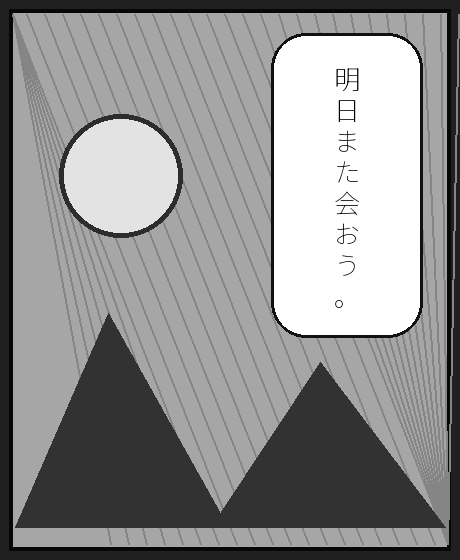
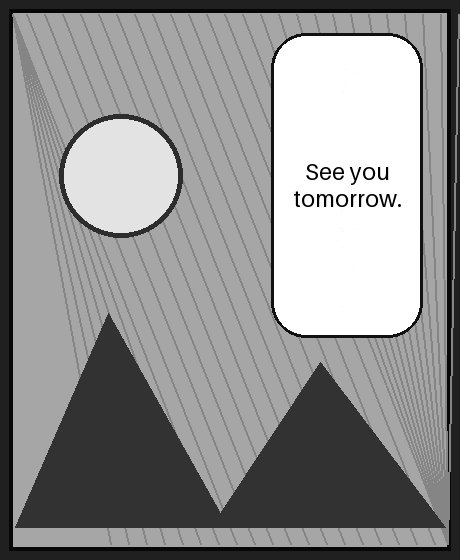
Narrow speech bubble
See how shorter lines fit inside a tall, narrow bubble.
明日また会おう。See you tomorrow.
Use AI Manga Translator directly in Safari or Chrome on iPhone and Android—no app store download, extension, or local installation required.
Drop images here, browse your files, or paste screenshots.
Up to 1000 images per task · JPEG, PNG, WebP (max 20 MB) · ZIP/CBZ (max 200 MB, 1 task per ZIP)See how shorter lines fit inside a tall, narrow bubble.
明日また会おう。See you tomorrow.
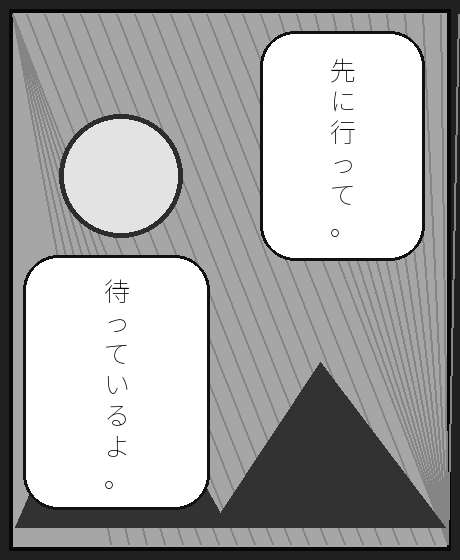
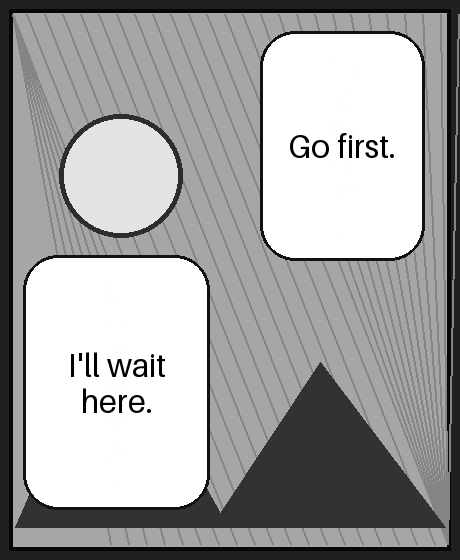
Restore a missed speech bubble without changing the rest of the page.
先に行って。Go on ahead.
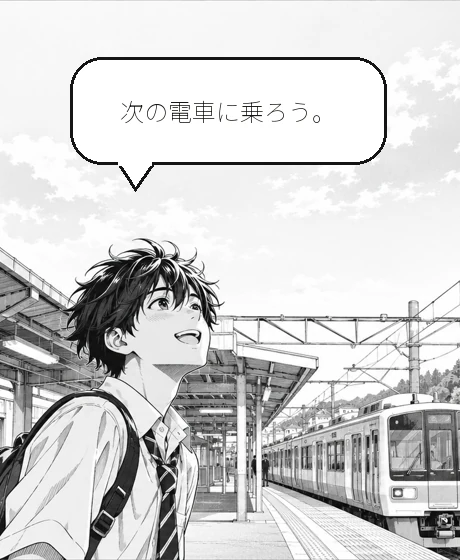

Compare a line of horizontal Japanese dialogue with English or Simplified Chinese lettering in the same wide speech bubble.
次の電車に乗ろう。Let’s take the next train.
AI Manga Translator runs 100% in your mobile web browser on iOS (Safari, Chrome) and Android (Chrome, Firefox, Edge). Pick manga screenshots straight from your phone photo library or upload downloaded ZIP/CBZ chapters from your Files app without installing any native application or browser extension.
Every page is processed on cloud servers rather than your phone hardware, so even large high-resolution Japanese manga pages and tall Korean webtoon strips translate cleanly without draining your device battery or requiring local AI models.
After translation finishes, switch smoothly between Original and Translated views on mobile screens, tap any speech bubble to edit dialogue for free, use Select Missed Text to recover overlooked lines, and save full-resolution PNGs or ZIP chapters back to your phone. Your history stays synced across phone and desktop for 30 days.
Yes. Open aimangatranslator.online in Safari or Chrome on iPhone or Android to upload manga screenshots or ZIP/CBZ files and translate directly in your browser with no app download.
Yes. Sign in with the same email or Google account and all translation tasks, bubble edits, and credit balances stay synced across mobile and desktop for 30 days.
Yes. Tap Upload to select one or multiple JPEG, PNG, or WebP screenshots from your photo library, or choose ZIP/CBZ archives from your device Files folder.
Yes. New accounts receive free starter credits on sign-up, and paid one-time credit packs start at $5 for 120 pages with no subscription—credits never expire.